

How to Play Aviator: The Round, Step by Step
In short: Aviator is a crash game where one multiplier climbs from 1.00x until the plane leaves. Your bet returns nothing unless you cash out first. Two bets can run in the same round.
You get one decision per round in Aviator, and it is when to press Cash Out. The multiplier starts at 1.00x, climbs while the plane is on screen, and pays nothing at all once it leaves.
- Game:
- Aviator (a Spribe crash game)
- Type:
- Crash game
- RTP as published:
- 97% is the only return-to-player figure Spribe publishes, and it appears in exactly one place: the Return to Player (RTP) row on the studio's own game page.
- Max win:
- Not published by the developer.
Note: One decision decides each round. You make it under time pressure. The multiplier opens at 1.00x and climbs along a curve the client prints in its own rules. A bigger number just means a longer flight. Miss the moment and the stake is gone, with no partial payout for getting close.
Table of contents
What You Need Before You Start
Before you start, check these prerequisites; each one takes a minute and saves a wasted round.
A stake you are prepared to write off, because nothing comes back from a round you did not exit.
An operator lobby that carries the game, or the free demo if you would rather not deposit.
A stable connection, since a drop mid-round forces an automatic exit at whatever the multiplier reads.
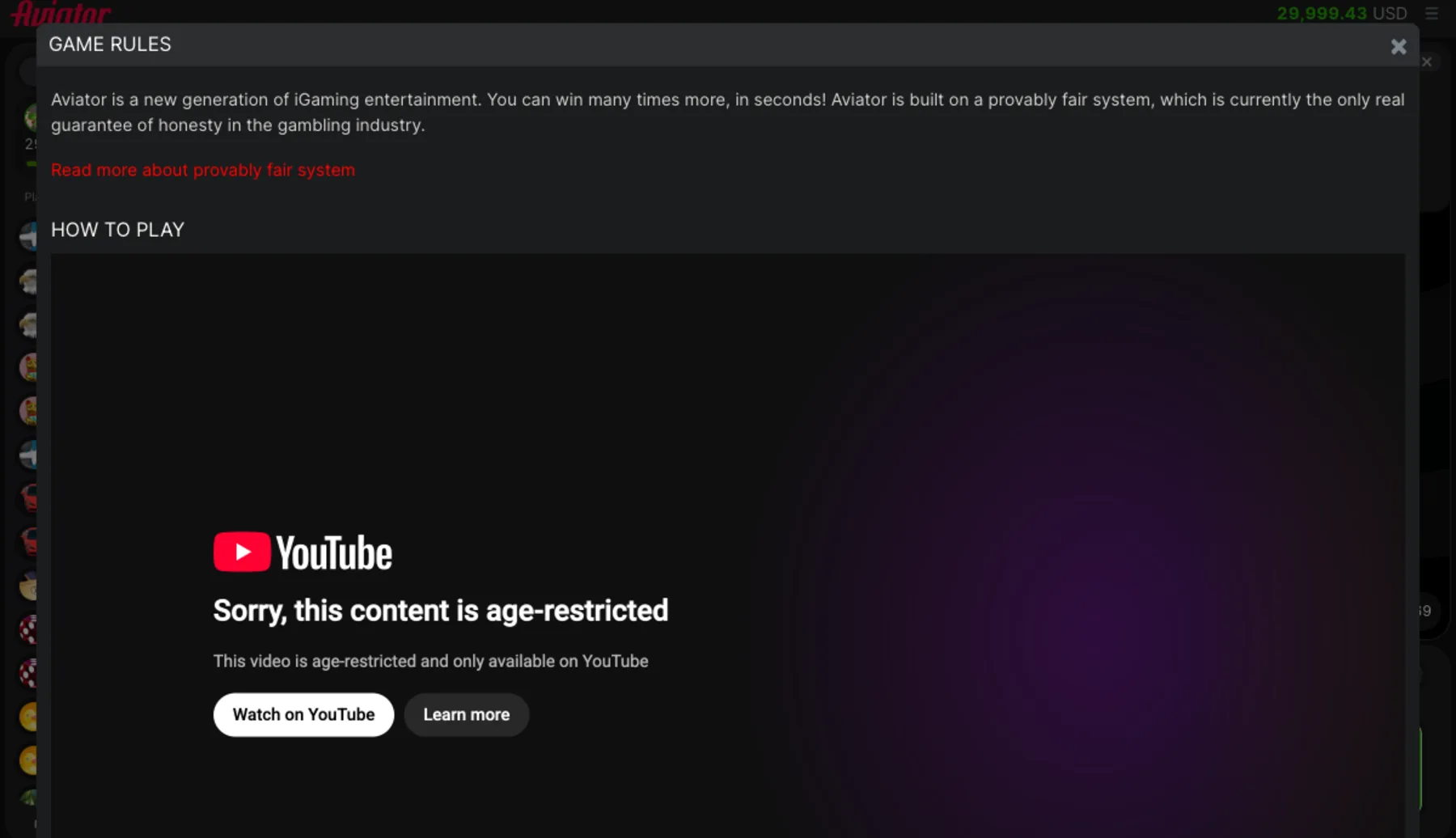
Two minutes with the rules screen in the client, which is where every number on this page came from.
How a Round Plays, Step by Step
Follow these steps in order; the index below jumps to any step, and each step names the control it uses.
Before the Round Starts
Step 1: Open the Bet Panel
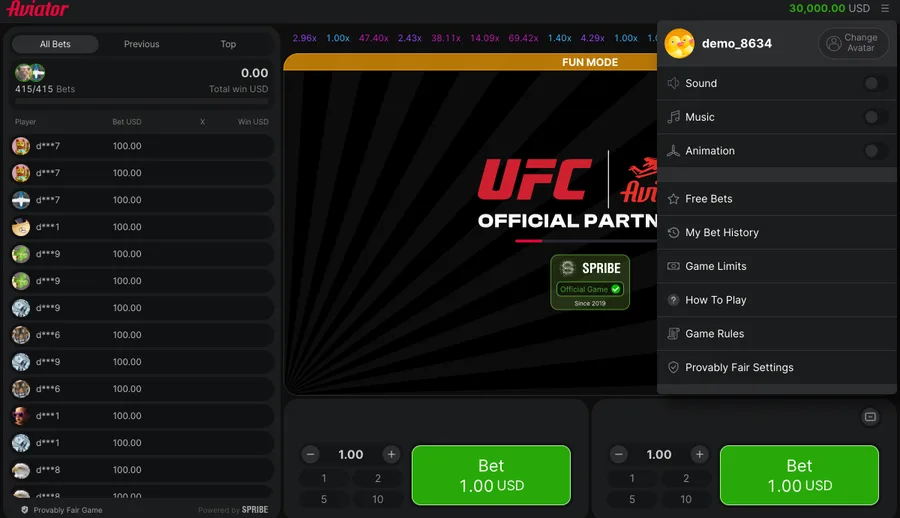
Set the stake with the stepper or one of the four presets, which read 1, 2, 5 and 10 in the demo client. The step size is 0.1, so small corrections are possible.
Step 2: Add the Second Panel
Spribe's rules say you can make two bets simultaneously by adding a second bet panel. The demo opens both side by side already, which means two stakes, one round and two separate exits.
Step 3: Place the Bet Before Take-Off
The stake has to land while the panel still reads Bet. Once the round starts that panel turns into Cash Out, and nothing new goes in until the next one.
Step 4: Cancel While the Panel Allows It
You can cancel the bet by pressing the Cancel button if the round has not yet started. After take-off the option is gone.
While the Plane Is Up
Step 5: Watch the Multiplier, Not the Plane
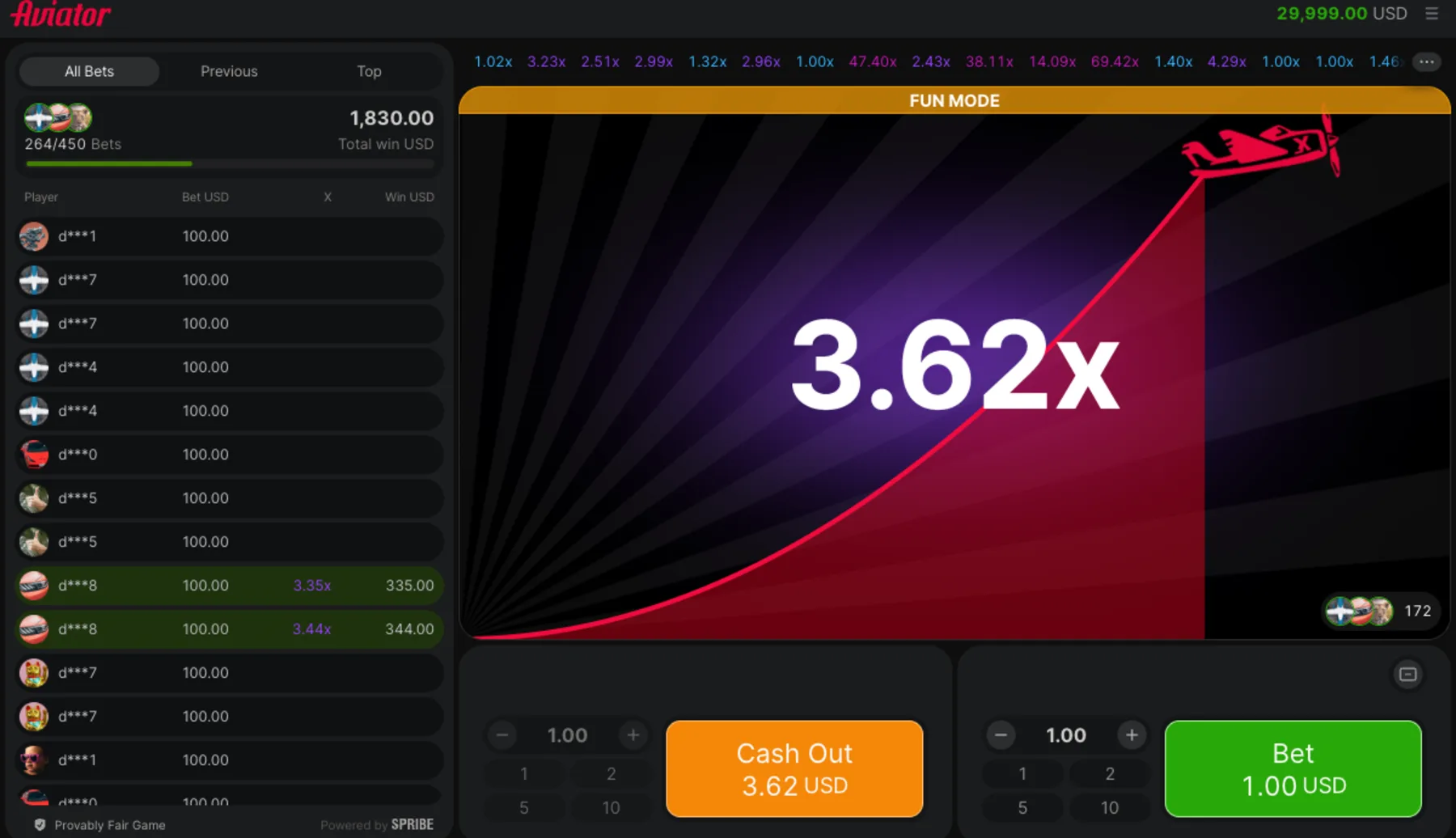
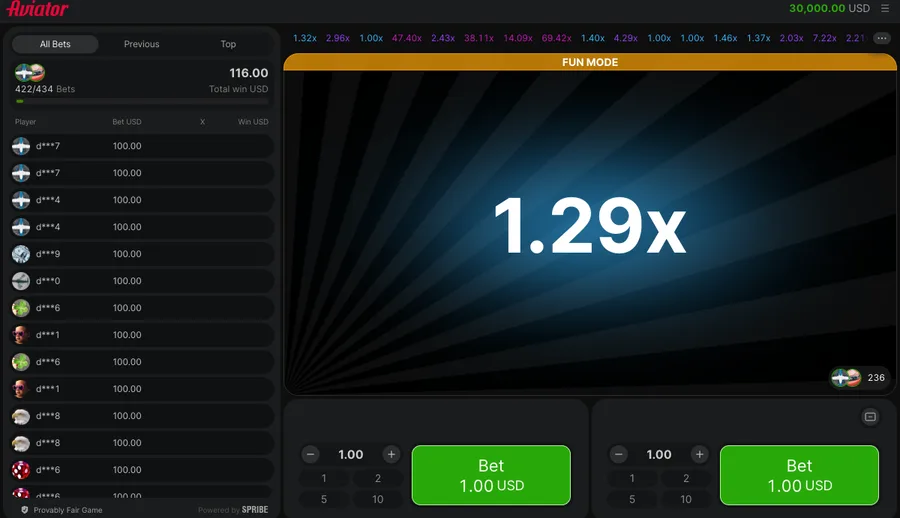
It opens at 1.00x and climbs. The client prints the money you would take on the Cash Out button rather than the coefficient, so at a 1.00 stake the two happen to read the same number.
Step 6: Press Cash Out While the Plane Flies
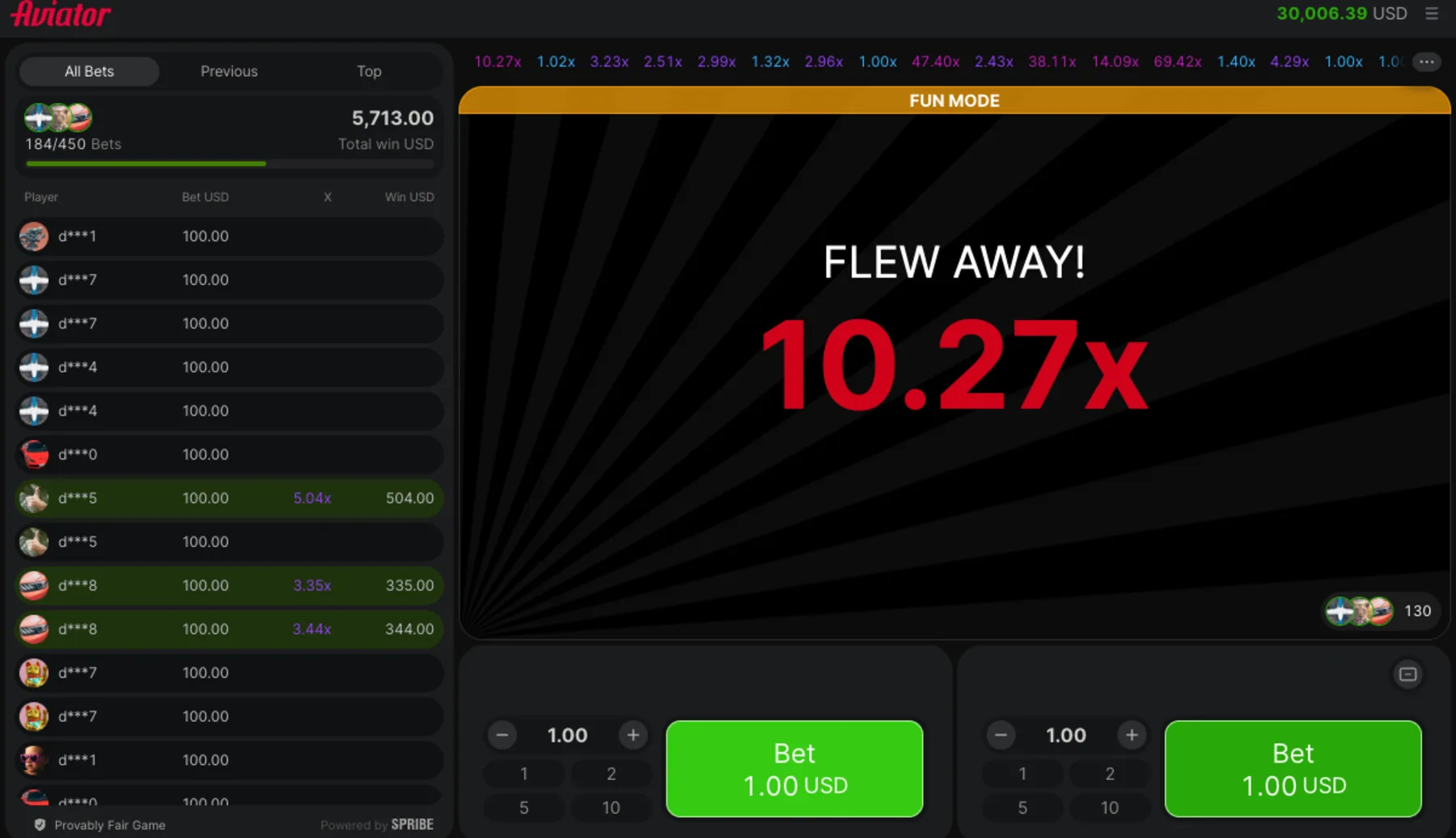
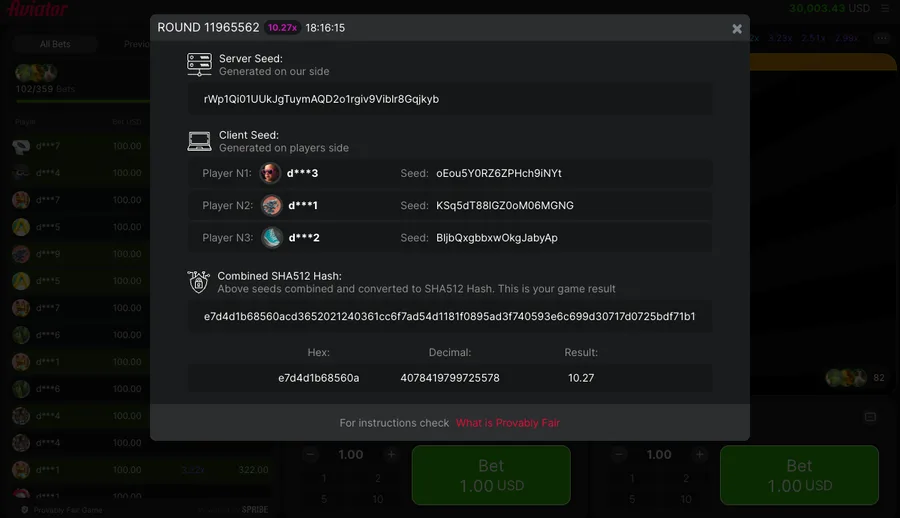
Your return is the stake times the multiplier at the instant you pressed. We took 7.39 back from a 1.00 stake that way, then watched the same round carry on to 10.27 before it ended.
After the Round
Step 7: Read the Round Back in My Bet History
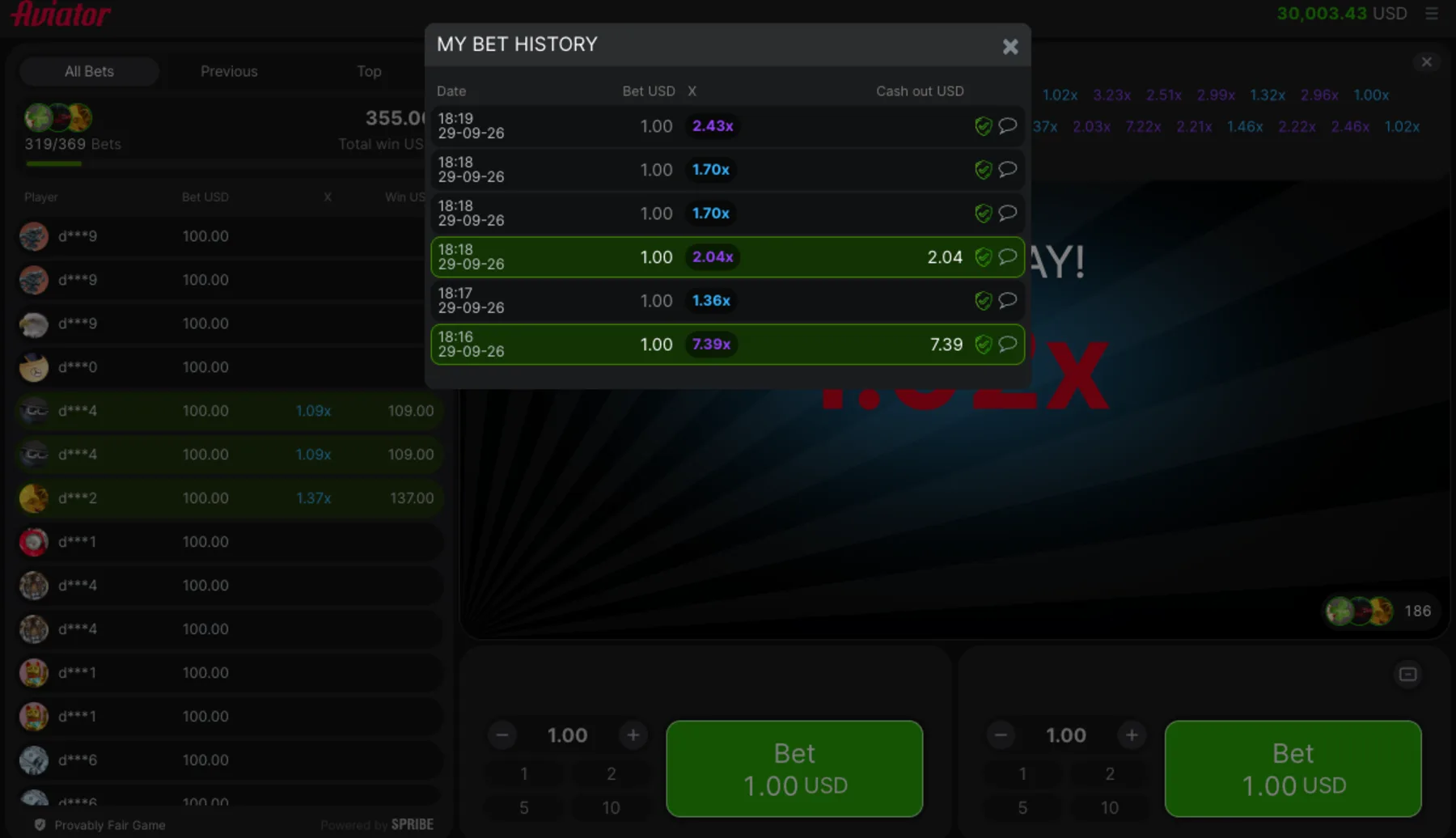
Every round lands in the client's own log with the stake, the multiplier and a cash-out column that stays blank when you lost. Ours showed two filled cells out of ten.
Tip: A dropped connection does not void the bet. The rules say the game will auto cash out at the current multiplier, the winning amount lands in your balance, and a dead Wi-Fi router turns out to be far less costly than the panic it causes.
A client malfunction works the other way round. In that case all affected game bets and payouts are rendered void. Every affected bet is refunded, which returns your stake instead of paying a win.
Ten rounds tell you nothing. Our run at a 1.00 stake returned 9.43 of 10.00, and a single 7.39x exit was 78% of everything that came back. Treat it as a demonstration, not as a measurement.
If you cannot watch the screen, set the automatic exit instead of guessing. Our scripted exit polled the button five times a second and still missed rounds the multiplier had already passed, which says a good deal more about clicking things in a browser than about human reflexes.
Play money hides the part that matters. Nothing on the screen changes when the stake is real, though the way 2.00x feels certainly does.
Key Terms Used on This Page
- Multiplier
- The coefficient that opens at 1.00x and grows during the flight, following the curve floor(100 * e^(0.000083 * ms)) / 100 that the client prints itself.
- Cash Out
- The button that ends your bet and pays the stake times the current multiplier, which read $3.62 on a 1.00 stake in our session.
- Bet panel
- One of the two stake controls the demo opens by default, each carrying presets of 1, 2, 5, 10 and a step size of 0.1.
- Auto Cash Out
- The automatic exit on the Auto tab, accepted between 1.01 and 100, loaded at 1.1 until you change it.
- My Bet History
- The client's own record of past rounds, where 8 of our 10 entries carried no payout at all.
Not sure yet? Try the free demo first and learn the round with play money before any deposit.
Try the free demo first →Deposits and identity checks stay on the operator's own secure site.
Related Reading on This Game
More on this game, from the same section first:
 Guides
Free Demo
30,000 USD play money, no account
 Guides
Auto cash out rule
Auto exit range 1.01 to 100
 Guides
Cash-Out Plans
Chance of reaching m is 0.97/m
 Guides
Round History Panels
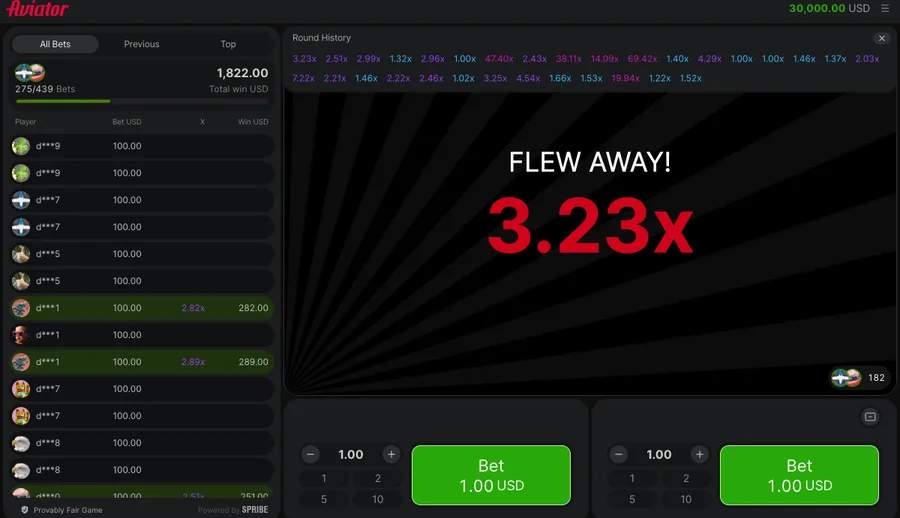
30 rounds: 3 at 1.00x, median 2.22x
 Guides
Free bets and Rain
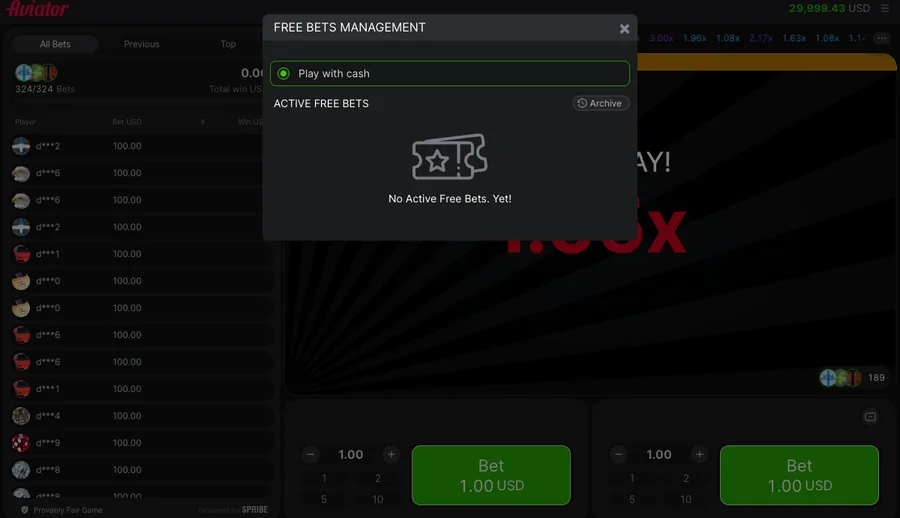
0 free bets across 10 rounds
 Reviews
Full Game Review
97% sits inside the round formula
 Casinos
4rabet Limits and Bonus
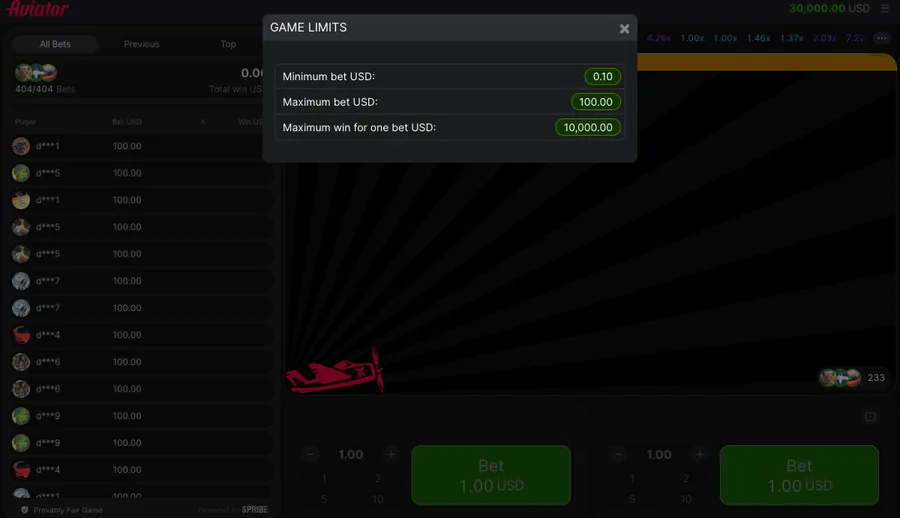
Stake floor INR 8.5, wagering x25
What Else Do Readers Ask?
Five questions came up every time we walked someone through a round, and each answer below comes from the client's own rules screen or from the ten rounds we logged in the free demo.
Can you place two bets in the same Aviator round?
Yes, the rules allow two stakes at once through a second panel, and the demo client shows them together, each with its own exit button.
What happens to your bet if the connection drops mid-round?
The client cashes the bet out automatically at the multiplier showing at that moment, and the winning amount goes straight to your balance.
Does a lost Aviator round pay anything back?
No, a round you failed to exit pays nothing at all, with no partial return for getting close to the multiplier where the plane left.
How do we test the round rules on this site?
We ran ten rounds at a 1.00 stake in the official demo, then logged every result from the client's own bet history panel.
Where does the client show money instead of the multiplier?
On the exit button itself, which prints the sum you would take away rather than the coefficient sitting behind it at that instant.