

How to Set Aviator Auto Cash Out Without Losing a Tie
In short: Aviator's Auto Cash Out closes a bet the moment the multiplier you typed arrives, and the client accepts anything from 1.01 to 100. An exact tie with the crash multiplier counts as a loss, not a win.
You type a number, the game takes the money there, and you stop fighting your own reaction time. The catch sits in one sentence of the rules: land exactly on the crash multiplier and the round is scored as a loss.
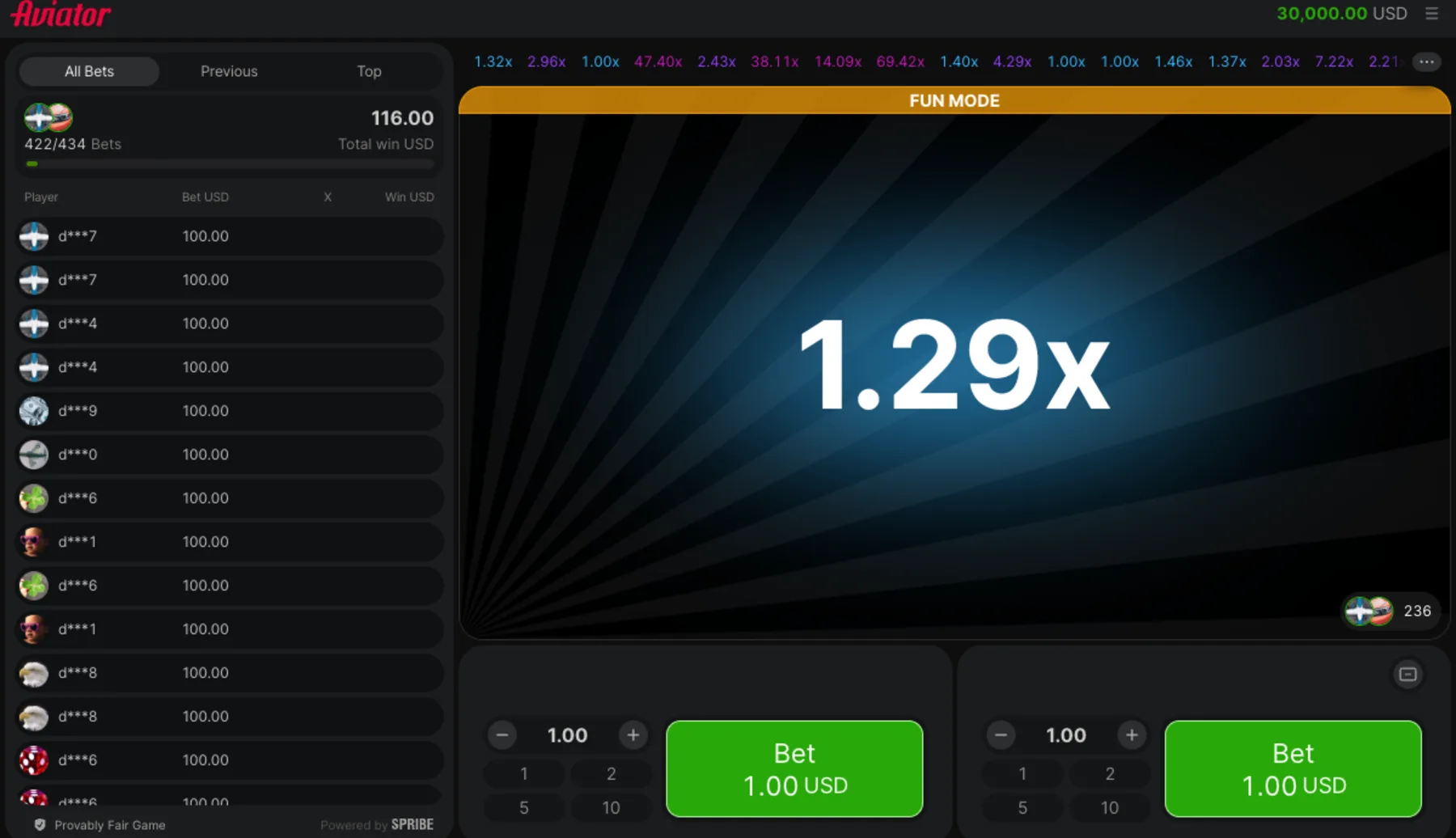
- Game:
- Aviator (a Spribe crash game)
- Type:
- Crash game
- RTP as published:
- 97% is the only return-to-player figure Spribe publishes, and it appears in exactly one place: the Return to Player (RTP) row on the studio's own game page.
- Max win:
- Not published by the developer.
Note: Typing a number into the automatic exit removes the one thing you cannot train: the gap between seeing 2.00x and pressing a button. The client takes anything between 1.01 and 100, and it starts you at 1.1. One rule decides whether the feature saves a round or quietly loses it, and Spribe writes that rule out twice on its own rules screen.
Table of contents
What You Need Before You Start
Before you start, check these prerequisites; each one takes a minute and saves a wasted round.
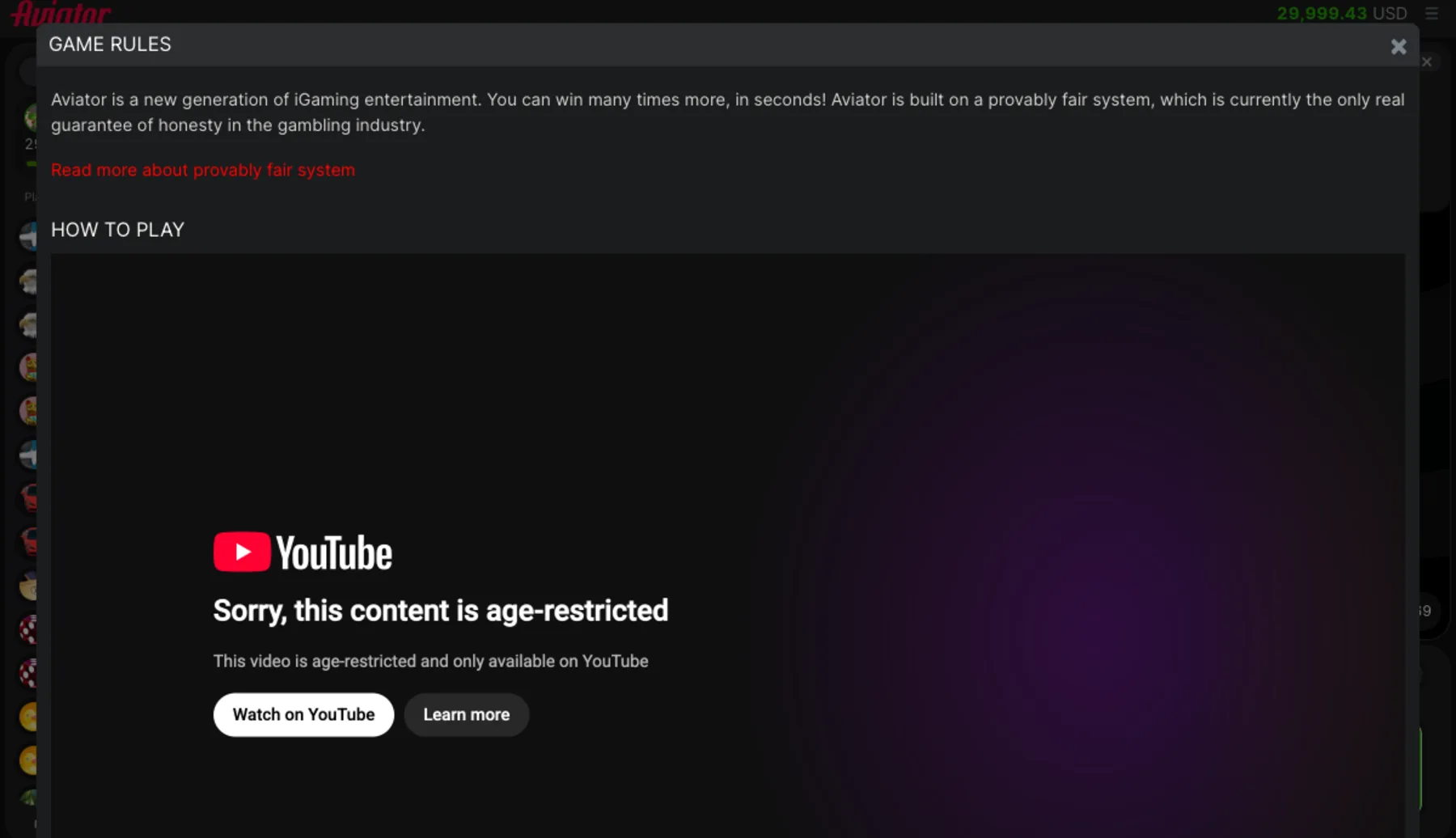
A stake already set in the panel, because the automatic exit spends whatever is sitting there.
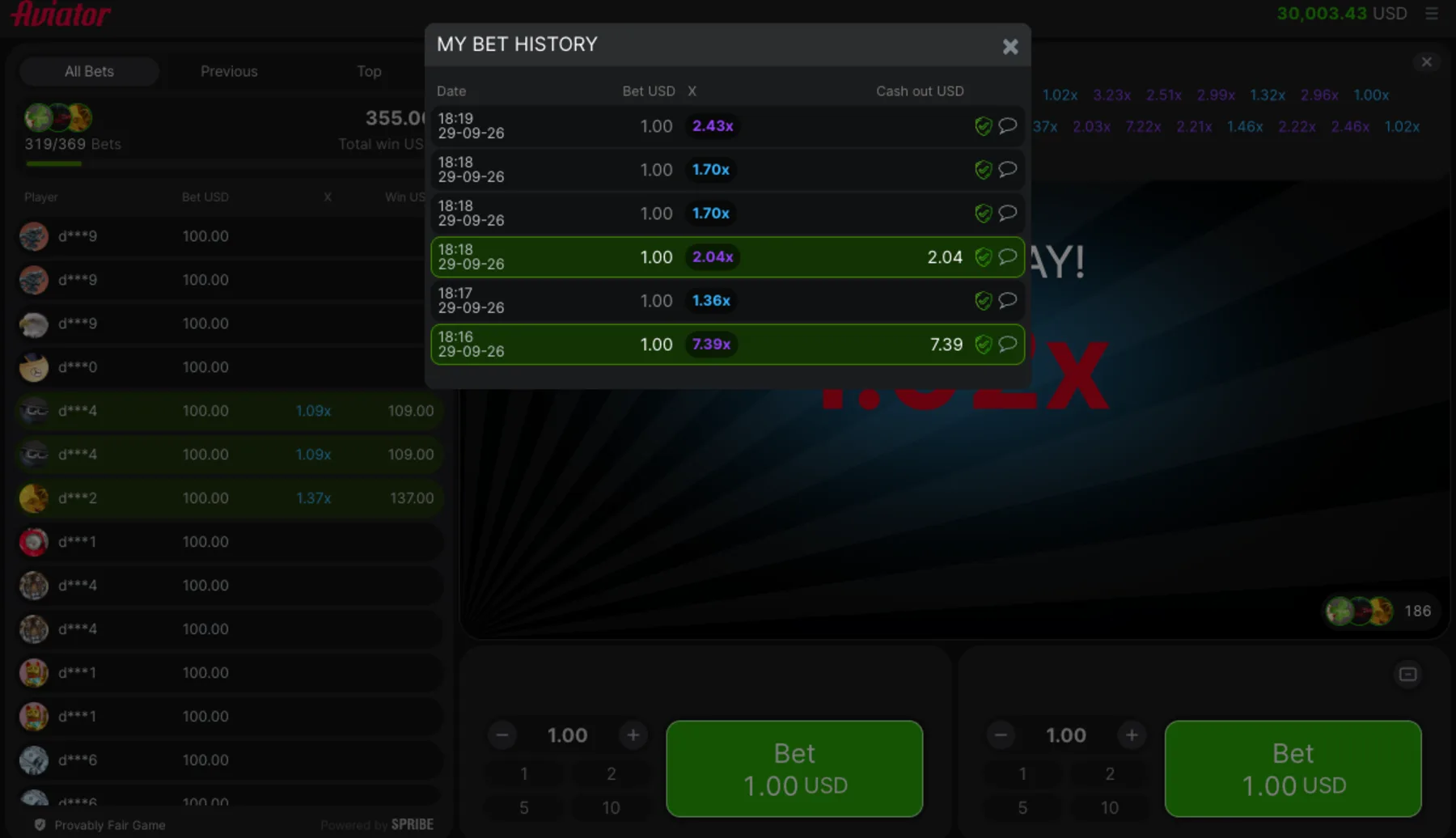
A target multiplier you can defend. Ours came off twice in ten rounds, and the other eight ended with nothing.
An understanding that the feature exits, it does not predict. Every result is settled before the plane appears.
How a Round Plays, Step by Step
Follow these steps in order; the index below jumps to any step, and each step names the control it uses.
Setting the Automatic Exit
Step 1: Open the Auto Tab on the Bet Panel
Auto Cash Out lives on the Auto tab, next to Auto Play. Spribe puts it plainly: after activation, your bet is cashed out automatically when it reaches the multiplier entered.
Step 2: Type the Multiplier You Want
The client takes values from 1.01 up to 100, and it holds 1.1 until you change it. A separate floor covers the stake itself: the smallest accepted bet is the minimum stake multiplied by 1.01.
Step 3: Leave the Stake Where It Is
The automatic exit never touches the stake. It spends the amount already in the panel, stepped in units of 0.1, with presets of 1, 2, 5 and 10 in the demo.
Running Rounds Unattended
Step 4: Turn on Auto Play for a Set Count
Auto Play repeats the bet for a chosen number of rounds. The Auto Bet checkbox places the stakes but still leaves the exit to you, unless the automatic exit is switched on as well.
Step 5: Add at Least One Stop Condition
Three are offered: stop if cash decreases by, stop if cash increases by, and stop if a single win exceeds an amount. Skip them and the round count is the only brake.
Checking What the Run Did
Step 6: Stop the Run by Hand When It Drifts
The Stop button ends Auto Play at once. We stopped ours after ten rounds, because a run that is losing does not turn into a run that is winning.
Step 7: Read the History Strip Afterwards
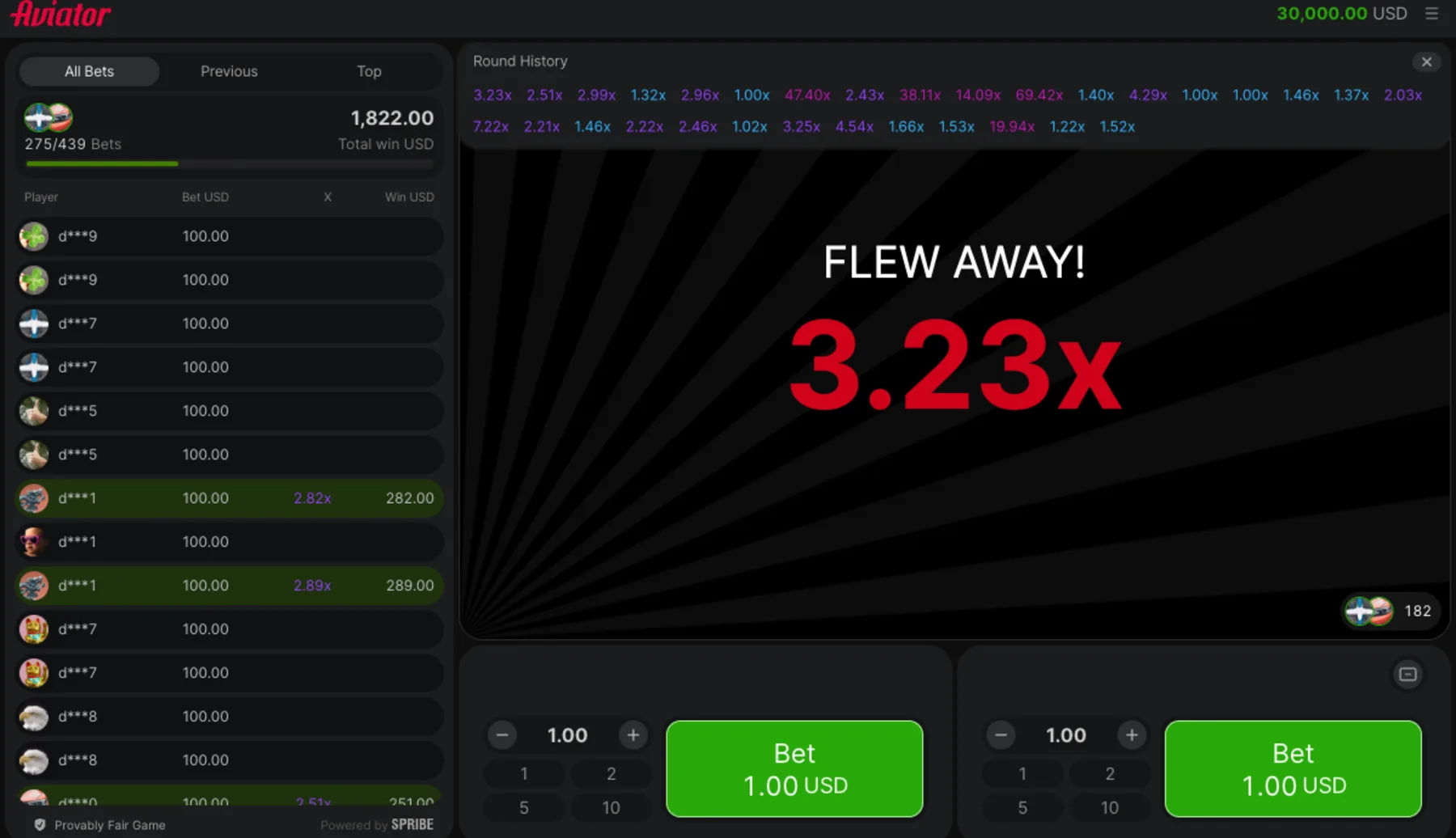
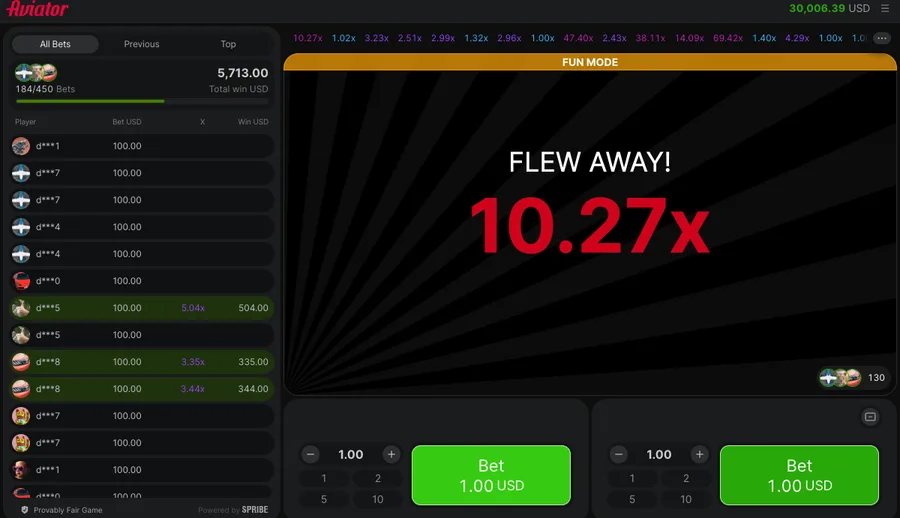
The row of past multipliers along the top records where rounds ended. Thirty of them in our session held three entries of exactly 1.00x, which is what an instant stop looks like.
Tip: The tie rule is the reason to open the rules screen. Spribe writes it out: if the plane takes off exactly when the multiplier matches the one you've chosen for automatic cashout, the round is counted as a loss. Set 1.5x, watch the plane leave at 1.5x, collect nothing.
The number you see in the history is already one tick past you. In the client's words, if the plane crashes at a multiplier of 1.25x, it means the multiplier reached 1.24x and then crashed. Your exit has to sit strictly below it.
We do not recommend reading the history strip for a pattern. The result of each round is fixed before the round begins, so the sequence you are studying has no memory of itself.
An automatic exit is not an edge. It removes reaction time and nothing else. Ours still missed rounds that had passed its target, and that is a fact about polling a button in a browser rather than about anybody's reflexes.
Key Terms Used on This Page
- Auto Cash Out
- The automatic exit that closes a bet at the multiplier you typed, accepted anywhere between 1.01 and 100, with 1.1 loaded as the client default.
- Auto Play
- A run of a set number of rounds with 3 optional stop conditions, which places stakes but never closes them.
- Crash multiplier
- The number a round stops on, already one tick above where the flight ended, since a shown 1.25x means the climb reached 1.24x.
- Stop condition
- One of the 3 limits on an Auto Play run: cash decreases by, cash increases by, or a single win exceeds a chosen amount.
- Minimum bank
- The client's own floor for a stake, set at 1.01 times the minimum bet before a round is accepted.
Not sure yet? Try the free demo first and learn the round with play money before any deposit.
Try the free demo first →Deposits and identity checks stay on the operator's own secure site.
Related Reading on This Game
More on this game, from the same section first:
 Guides
Round walkthrough
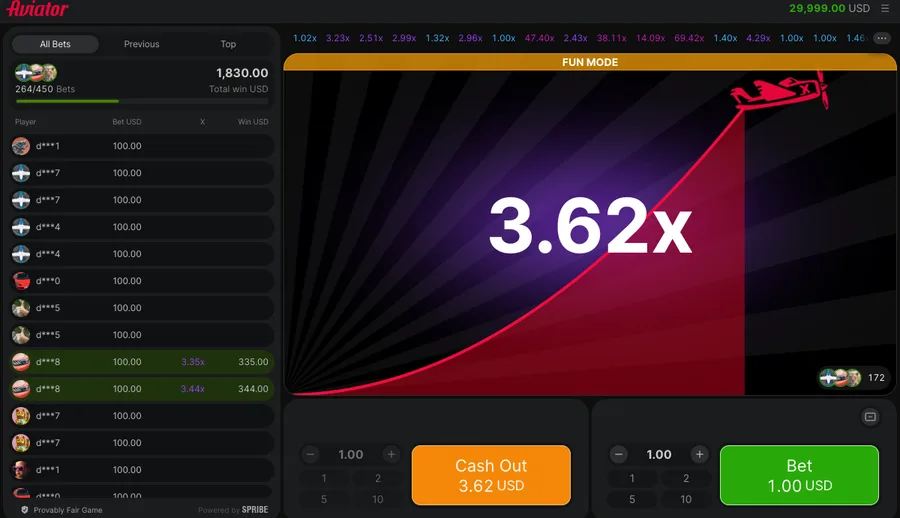
Cash out above 1.00x or lose
 Guides
Free Demo
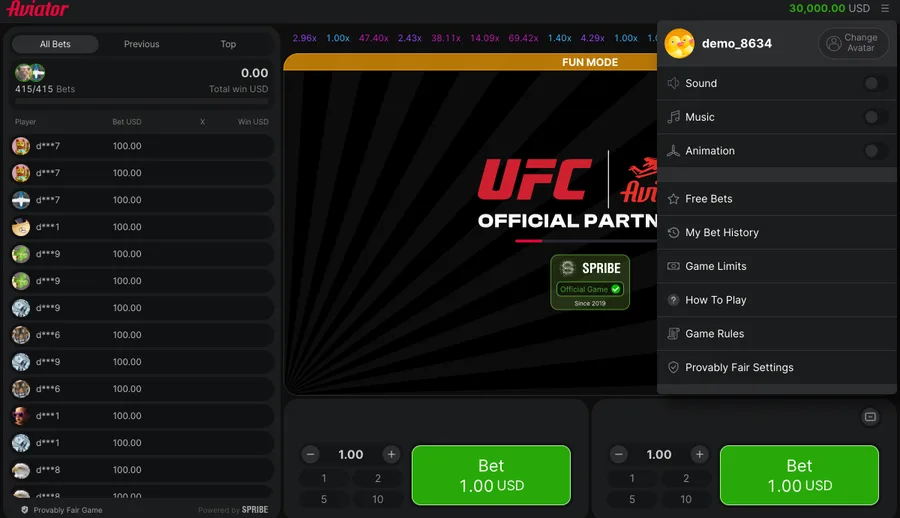
30,000 USD play money, no account
 Guides
Cash-Out Plans
Chance of reaching m is 0.97/m
 Guides
Round History Panels
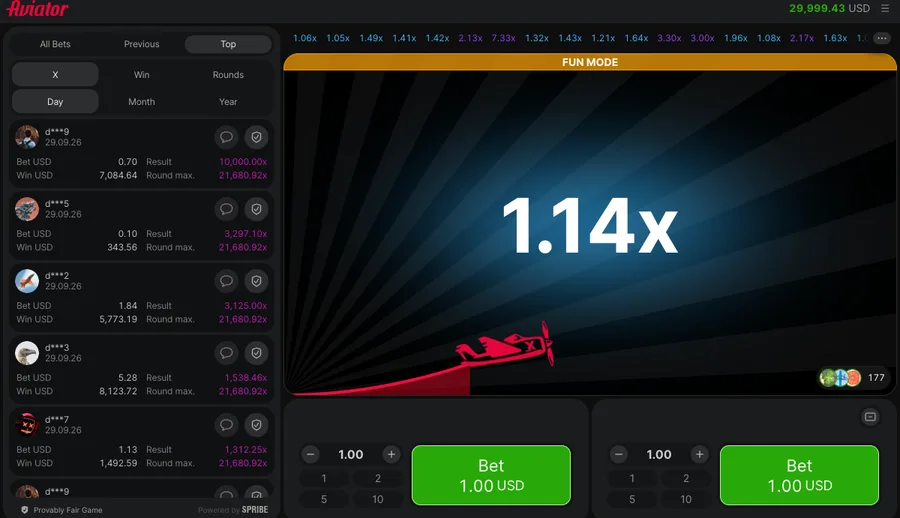
30 rounds: 3 at 1.00x, median 2.22x
 Guides
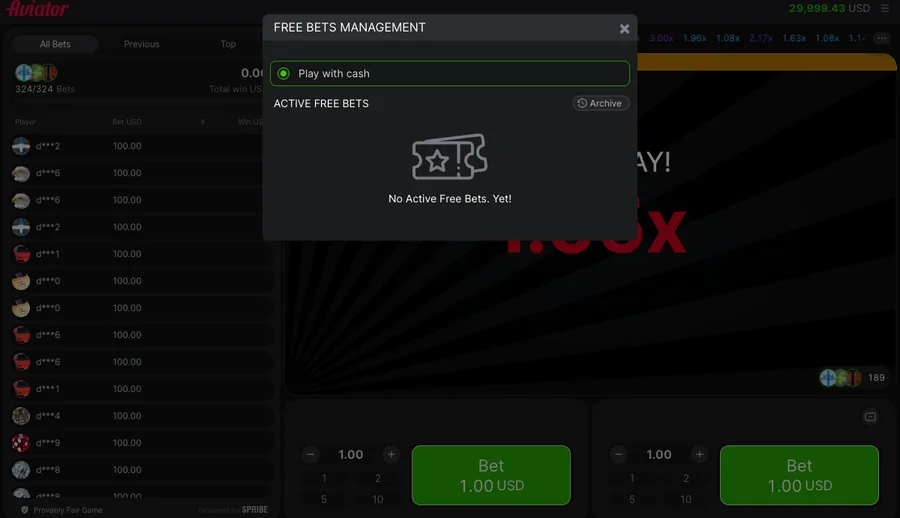
Free bets and Rain
0 free bets across 10 rounds
 Reviews
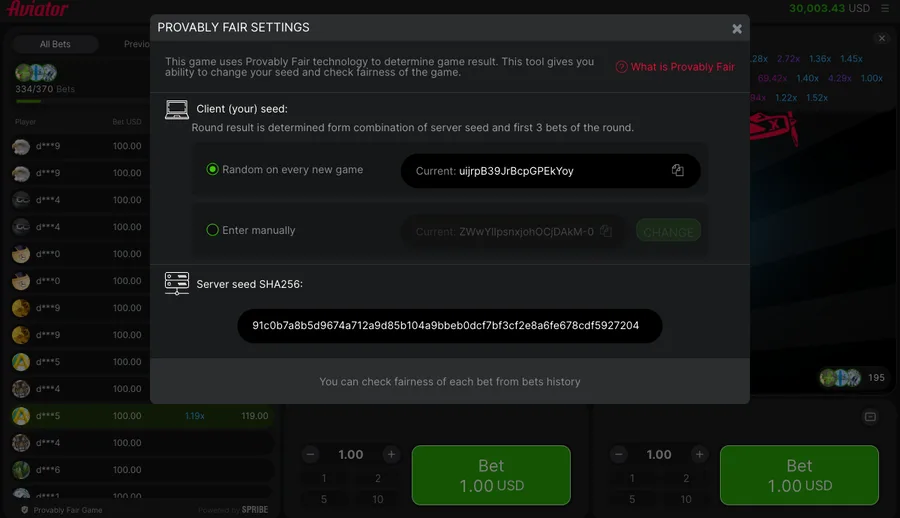
Full Game Review
97% sits inside the round formula
 Reference
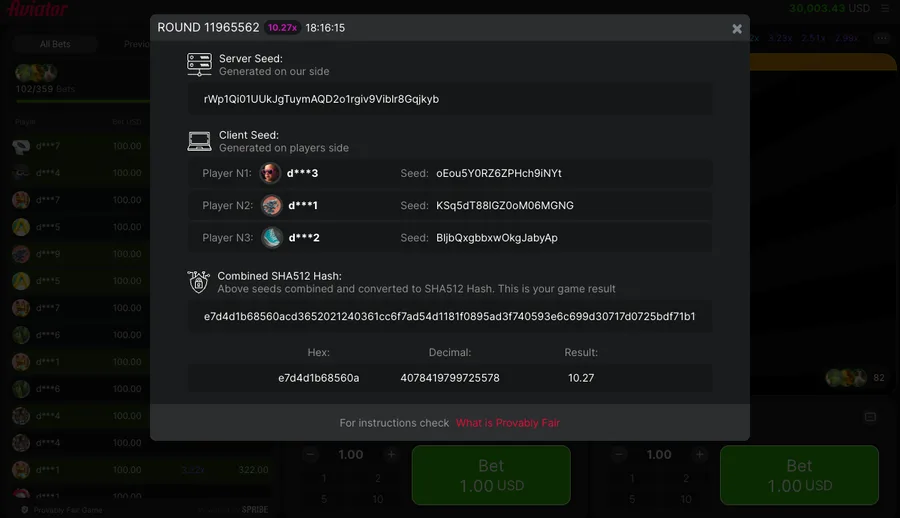
Provably Fair Explained
3 rounds reproduced from published seeds
 Casinos
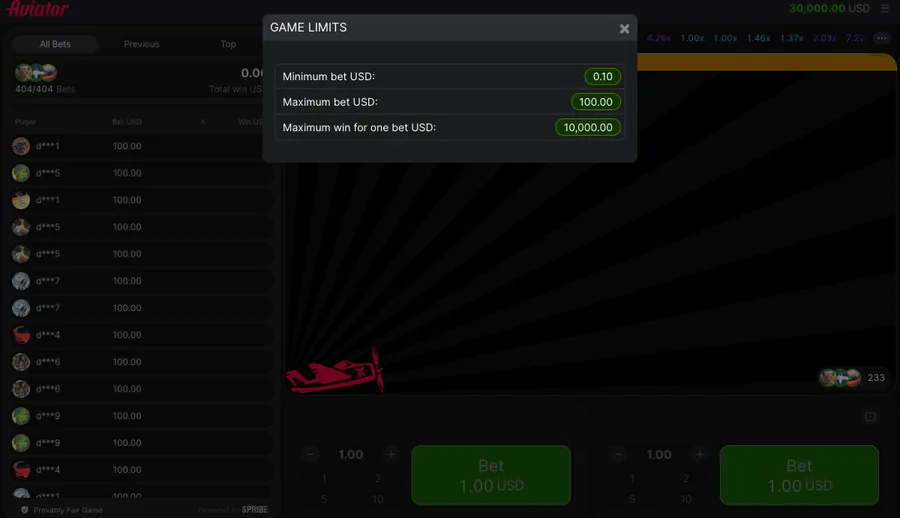
4rabet Limits and Bonus
Stake floor INR 8.5, wagering x25
What Else Do Readers Ask?
Everything below comes from the Auto tab in Spribe's own client and from the ten rounds we ran through it, including the one rule that costs people rounds they thought they had already won.
Is an exact match with the crash multiplier a win in Aviator?
No, the rules score it as a loss, and Spribe spells out the 1.5x case where the plane leaves at exactly the chosen exit.
What range does the automatic exit accept?
Values run from 1.01 to 100 in the client, with 1.1 loaded by default until you replace it with a target of your own.
Does Auto Play cash out for you?
No, the Auto Bet checkbox only places stakes. Switching the automatic exit on as well is what makes a round close without a press.
How do we test the automatic exit here?
We logged ten rounds of 1.00 in the free demo, took money out of two, and compared each result against the client's own history panel.
Why set an exit at all when you can press the button?
Reaction time costs rounds. Our scripted exit polled the button five times a second and still missed targets the multiplier had already passed.